
Introduction: The Closed Side Setting (CSS) is the single most important adjustment on a jaw crusher. It controls your product top size, throughput, and power draw. Getting it right means the difference between on-spec product and costly rework. This guide explains what CSS and OSS mean, how to set them using hydraulic or shim methods, and what CSS to target for each material type.
What Are CSS and OSS?
CSS — Closed Side Setting
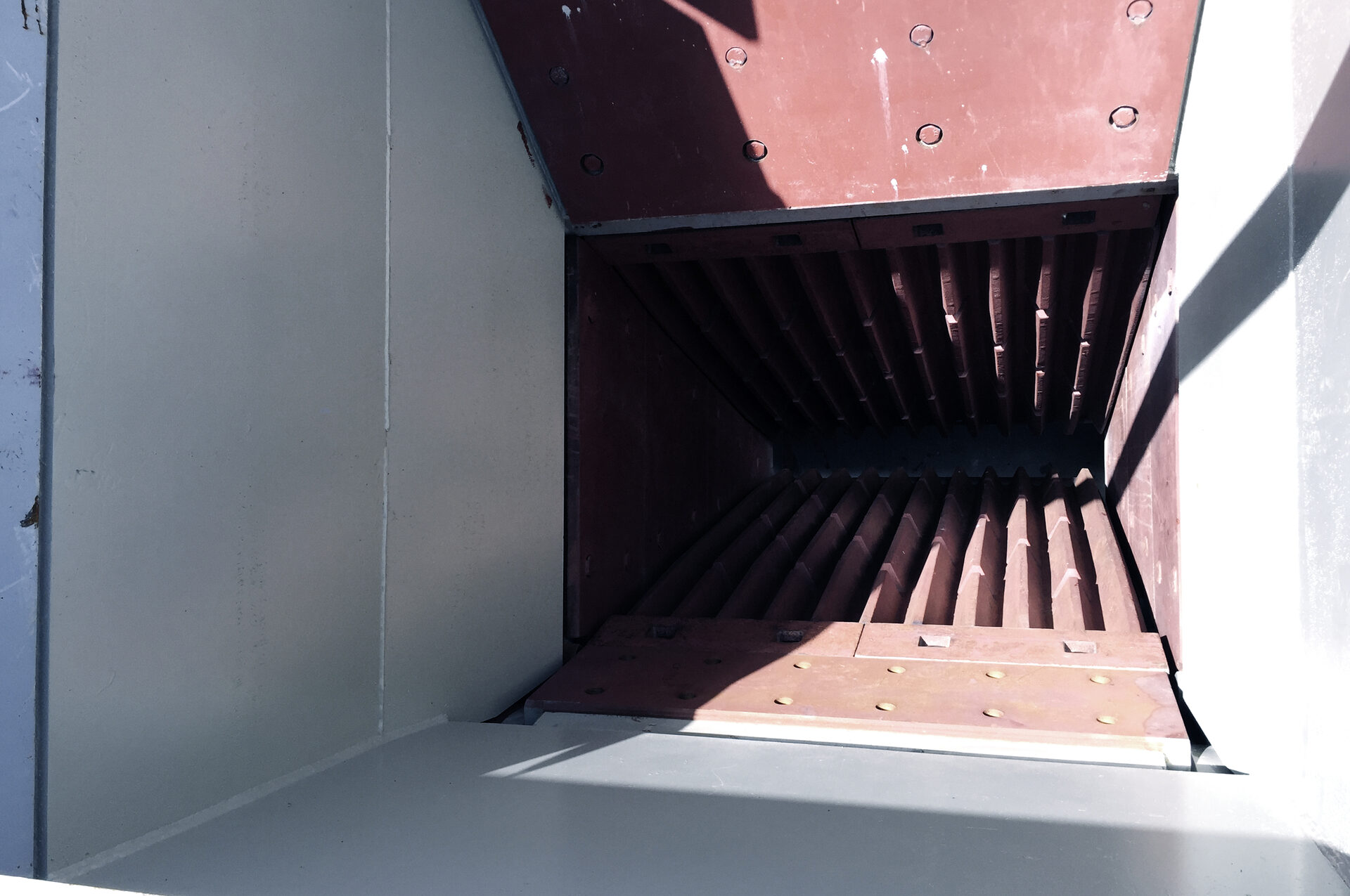
The CSS is the narrowest gap between the fixed jaw and the moving jaw, measured at the bottom of the crushing chamber when the swing jaw is closest to the fixed jaw. This is the primary control for your product top size.
OSS — Open Side Setting
The OSS is the widest gap at the bottom when the swing jaw is at its furthest point. The OSS affects throughput capacity — a wider OSS allows more material to pass through per cycle.
Key Formulas
- Throw (stroke): OSS − CSS = throw. A larger throw increases capacity but also increases wear.
- Maximum product size: dmax ≈ 1.5 × CSS to 1.7 × CSS (material dependent).
- P80 product size: P80 ≈ CSS (approximately 80% of product passes the CSS).
Common mistake: Operators set the CSS to match their desired product size. The correct approach is to set CSS slightly below the target top size because 15–50% of product will be larger than the CSS (depending on material shape and jaw plate condition).
Material-by-Material CSS Recommendations
These are starting-point CSS values for common materials. Fine-tune based on your plant's actual product sieve analysis.
| Material | Target Product | Recommended CSS (mm) | Notes |
|---|---|---|---|
| Granite | 0–150 mm primary output | 80–100 | Hard; use higher CSS to protect jaw plates |
| Basalt | 0–150 mm primary output | 90–110 | Very hard; wider CSS reduces plate wear |
| Limestone | 0–100 mm for secondary | 60–80 | Soft; tighter CSS is safe and productive |
| Limestone | 0–200 mm road base | 120–150 | Single-stage; open CSS for throughput |
| River gravel | 0–100 mm | 60–80 | Round feed; may need tighter CSS for good reduction |
| Recycled concrete | 0–63 mm for reuse | 40–50 | Adjust for rebar content; see recycling guide |
| Iron ore | 0–200 mm for grinding | 100–150 | High density; wider CSS preserves capacity |
| Sandstone / marl | 0–80 mm | 50–60 | Very soft; tight CSS gives good product |
Method 1 — Hydraulic CSS Adjustment (GELEN CK Series)
Modern jaw crushers like the GELEN CK Series feature hydraulic CSS adjustment for fast, precise, under-load settings.
- Prepare: Stop the feeder. Allow the crusher to run clear. Stop the crusher motor. Apply LOTO.
- Access the hydraulic panel: Check hydraulic fluid level and system pressure — stay within OEM limits.
- Adjust: Command the hydraulic cylinder to advance (close CSS) or retract (open CSS). Watch the position indicator or digital readout.
- Verify: Measure the CSS physically with a lead wire, plumb bob, or calibrated gauge at 2–3 points across the jaw width. The reading should be uniform.
- Fine-tune: If one side reads tighter than the other, check jaw plate wear pattern — uneven wear indicates off-centre feeding.
- Record: Log the new CSS, date, and operating hours in the maintenance log.
Method 2 — Shim (Wedge) CSS Adjustment
Older jaw crushers use removable shim packs behind the toggle plate seat to set the CSS.
- Shut down and LOTO: Full energy isolation — electrical, hydraulic, pneumatic.
- Access the shim pack: Remove the guard and access panel. Record the current number and thickness of shims.
- Add shims to close CSS; remove shims to open CSS. Each 5 mm shim typically changes CSS by 5–7 mm (varies by model).
- Distribute evenly: Ensure the shim pack is centred and parallel to maintain even CSS across the jaw width.
- RetorQue: Tighten the toggle assembly to OEM spec.
- Test: Run the crusher empty for 5 minutes. Check for abnormal vibration or noise, then run at 30% load and verify product size.
Post-Adjustment Verification Checklist
- CSS measured at 3 points across jaw width — all within ±2 mm of target.
- Product top size verified with a test sample or sieve — matches expected dmax ≈ 1.6 × CSS.
- No abnormal vibration during no-load test run.
- Flywheel bolts and swing jaw fasteners retorqued.
- Lubrication pressure and temperature normal after 30 minutes under load.
- Feed distribution centred — no side-loading that would wear one jaw plate faster.
- CSS reading logged in the maintenance log.
CSS Drift — Why Product Size Changes Over Time
Even after a perfect CSS setting, product size will gradually coarsen over the following weeks. This is caused by:
- Jaw plate wear: As teeth wear down, the effective CSS widens. The GELEN CK Series reversible jaw plates extend the interval between settings.
- Toggle plate seat wear: Wear on the seat adds play, effectively opening the CSS.
- Cheek plate wear: Worn side liners allow material to bypass the crushing zone, producing coarser pieces.
Remedy: Schedule CSS checks on a monthly basis or whenever product sieve analysis shows top size drifting more than 10% above spec.
Conclusion
Correct CSS setting is the fastest way to improve product quality and plant efficiency. Whether your crusher uses hydraulic or shim adjustment, the procedure is straightforward — but precision matters. Use the material table above as a starting point, verify with a sieve analysis, and check monthly.
GELEN CK Series jaw crushers feature hydraulic CSS adjustment as standard, letting you change settings in minutes without removing guards or shims. Contact our team for product-specific CSS recommendations.