

Problem 1: Screen Won't Start
Symptoms & Causes
Symptoms: Motor hums but no movement, breaker trips immediately.
- Electrical fault or dropped phase (30%)
- Seized bearing in the vibrator unit (25%)
- Belt failure or extreme looseness (20%)
- Overload protection active (15%)
- Mechanical obstruction in the chassis (10%)
Step-by-Step Fix
- Check electrical supply (voltage and phases) at the panel.
- Inspect drive belts for damage or slippage.
- Manually rotate the drive shaft to check for severe binding.
- Reset overload protection relays.
- Test motor independently decoupled from the screen.
- Call a technician if a seized bearing is confirmed.
Problem 2: Uneven Material Distribution
Symptoms & Causes
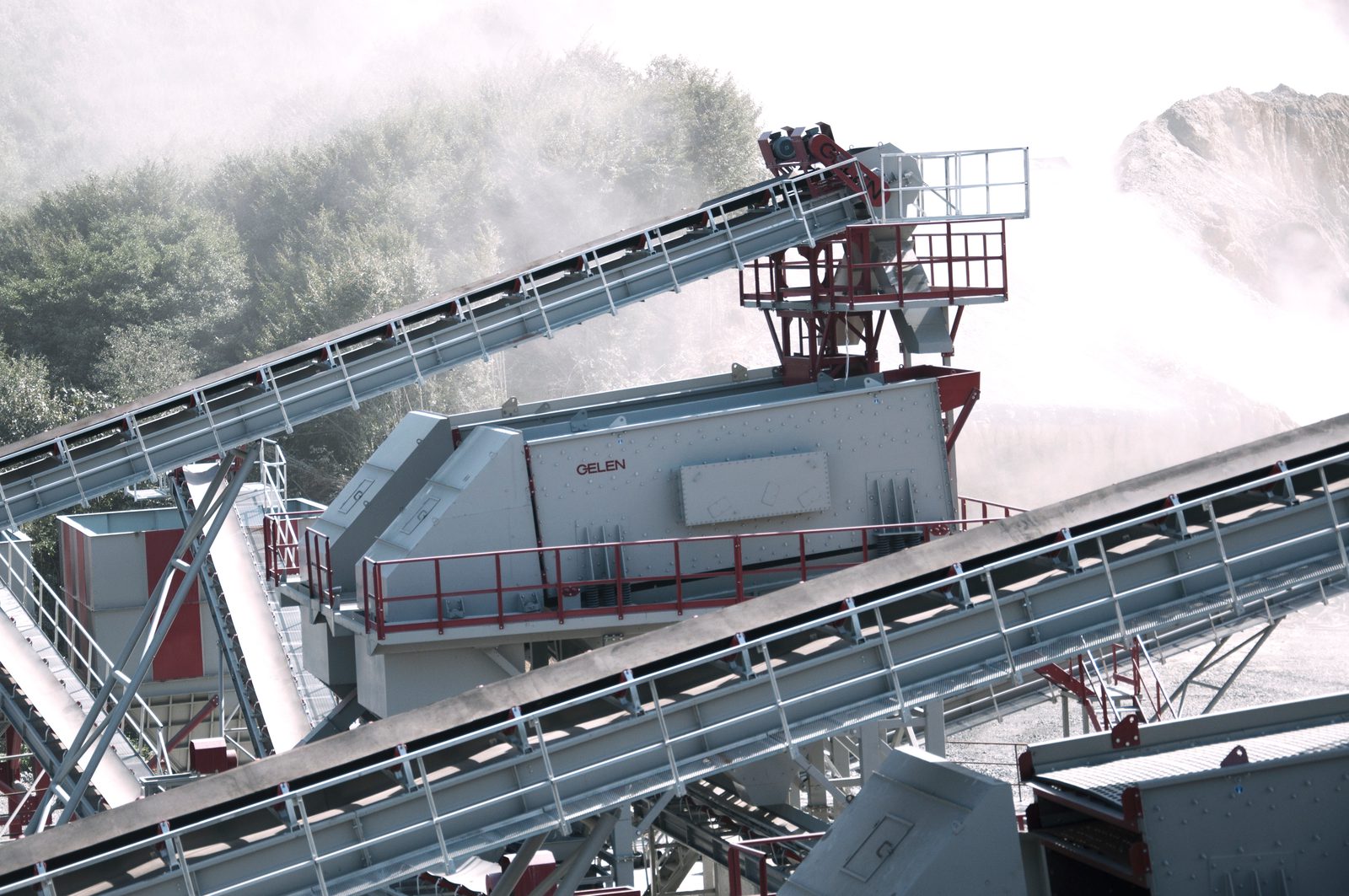
Symptoms: Material piles heavily on one side of the deck.
- Feeder misalignment or uneven chute discharge (40%)
- Uneven deck level / poor foundation settlement (30%)
- Worn, broken, or mismatched suspension springs (20%)
- Damaged or packed side liners creating drag (10%)
Step-by-Step Fix
- Check feeder centering and adjust the deflector plates in the feed box.
- Level the screen deck transversely using a spirit level on the stationary frame.
- Inspect all springs for wear, measure compressed height, and ensure they are a matched set.
- Clean out packed material and replace damaged side liners.
Problem 3: Excessive Vibration or Noise
Symptoms & Causes
Symptoms: Deafening metallic noise, visible wild shaking, or bouncing.
- Unbalanced exciter weights between left and right sides (35%)
- Loose structural bolts across the side plates (25%)
- Severely worn or failing bearings (20%)
- Broken suspension springs causing bottoming out (15%)
- Resonance with the support structure (5%)
Step-by-Step Fix
- Immediately tighten all structural Huck bolts or high-tensile fasteners to spec.
- Check exciter counterweights to ensure absolute symmetry.
- Measure bearing temperature; if >90°C, a bearing is failing.
- Inspect springs for cracks and ensure the screen isn't hitting bump stops.
- Stiffen the support structure if it's swaying sympathetically.
Problem 4: Poor Screening Efficiency
Symptoms & Causes
Symptoms: High percentage of oversize particles in the undersize stream, or vice versa.
- Blinded screen mesh from moisture/clay (30%)
- Excessive feed rate burying the apertures (25%)
- Wrong ellipse angle for the material type (20%)
- Severely worn screen media holes (15%)
- Low amplitude due to slipping belts (10%)
Step-by-Step Fix
- Clean or replace the screen media; add anti-blinding balls if necessary.
- Reduce the feed rate by 20% to observe if efficiency returns.
- Adjust the ellipse angle (closer to 45° for sticky, 25° for dry/fast passing).
- Check drive belt tension to restore full amplitude.
Problem 5: Bearing Overheating
Symptoms & Causes
Symptoms: Bearing housing temperature >90°C, smoking grease.
- Insufficient lubrication or wrong grease type (40%)
- Contaminated grease from dust ingress (25%)
- Shaft misalignment or bent shaft (20%)
- Overloading the machine beyond capacity (10%)
- End of physical bearing life (5%)
Step-by-Step Fix
- Confirm you are using correct high-temperature, EP vibrating screen grease.
- Purge the old grease completely while running, until clean grease appears.
- Verify shaft alignment across the mechanism.
- If symptoms persist after purging, plan an immediate bearing replacement to prevent catastrophic shaft damage.